With your own Claude
Already paying for Claude? Petal works through the Claude app on your Mac, on the plan you have. There is nothing more to pay.
One-time purchase
Petal goes through your whole Photos library on your Mac and tells you what to post next.
Join the waitlistFive to post this week
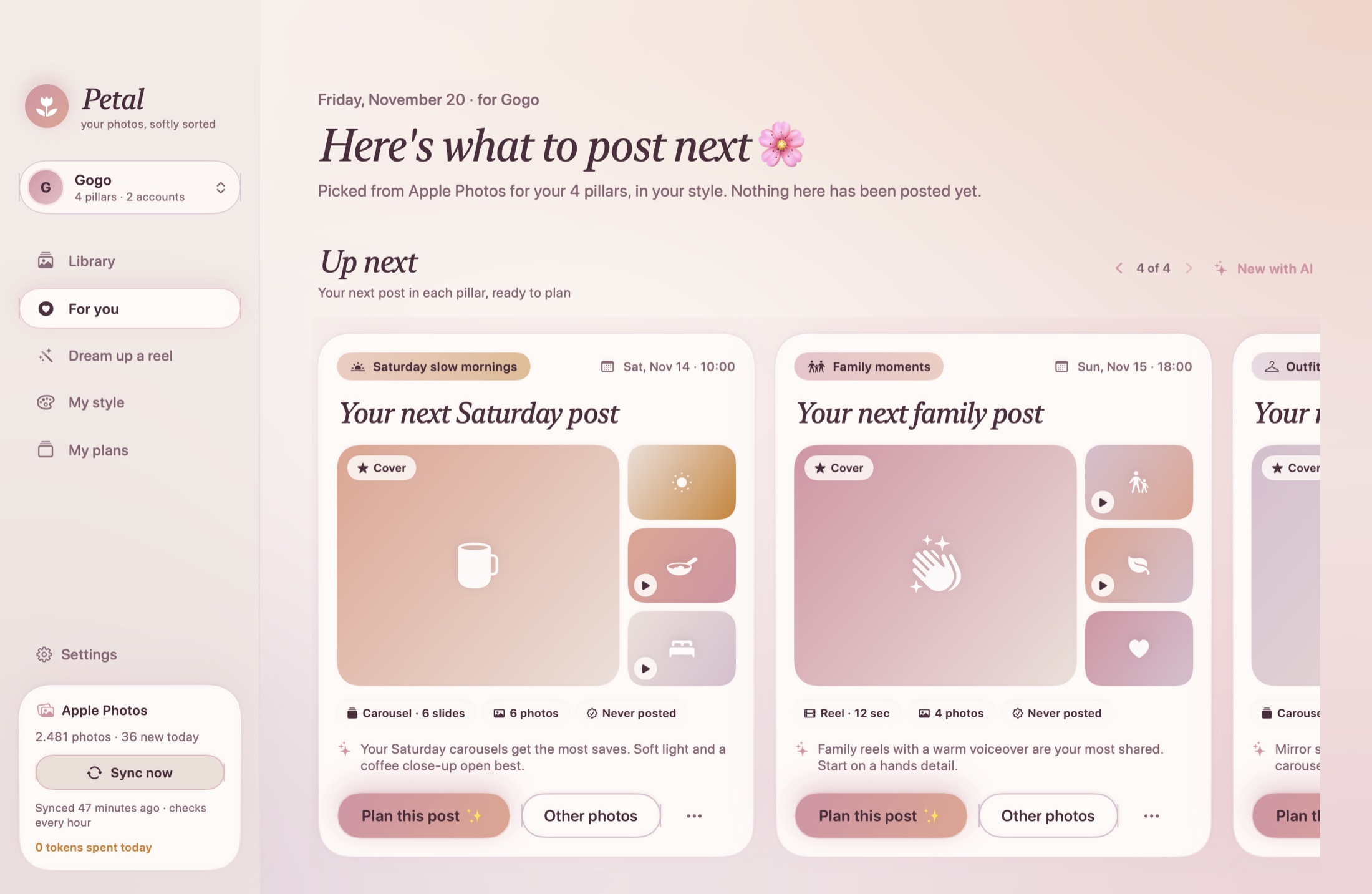
Picked for your pillars, in your style, and never something you’ve already posted.
Petal answers that every morning.
It opens on your next post for each content pillar, with the cover chosen, the format suggested and the reason written out. You look, you nod, you plan it.
Type it or say it out loud. Petal understands when and where, and you can correct it the way you’d correct a friend.
These are free stock pictures from Pixabay. In Petal, this is your own library.
Tell Petal what the reel is about. It finds a hook, a middle and an end in your own library, then writes the caption in your voice, with hashtags and a music idea.
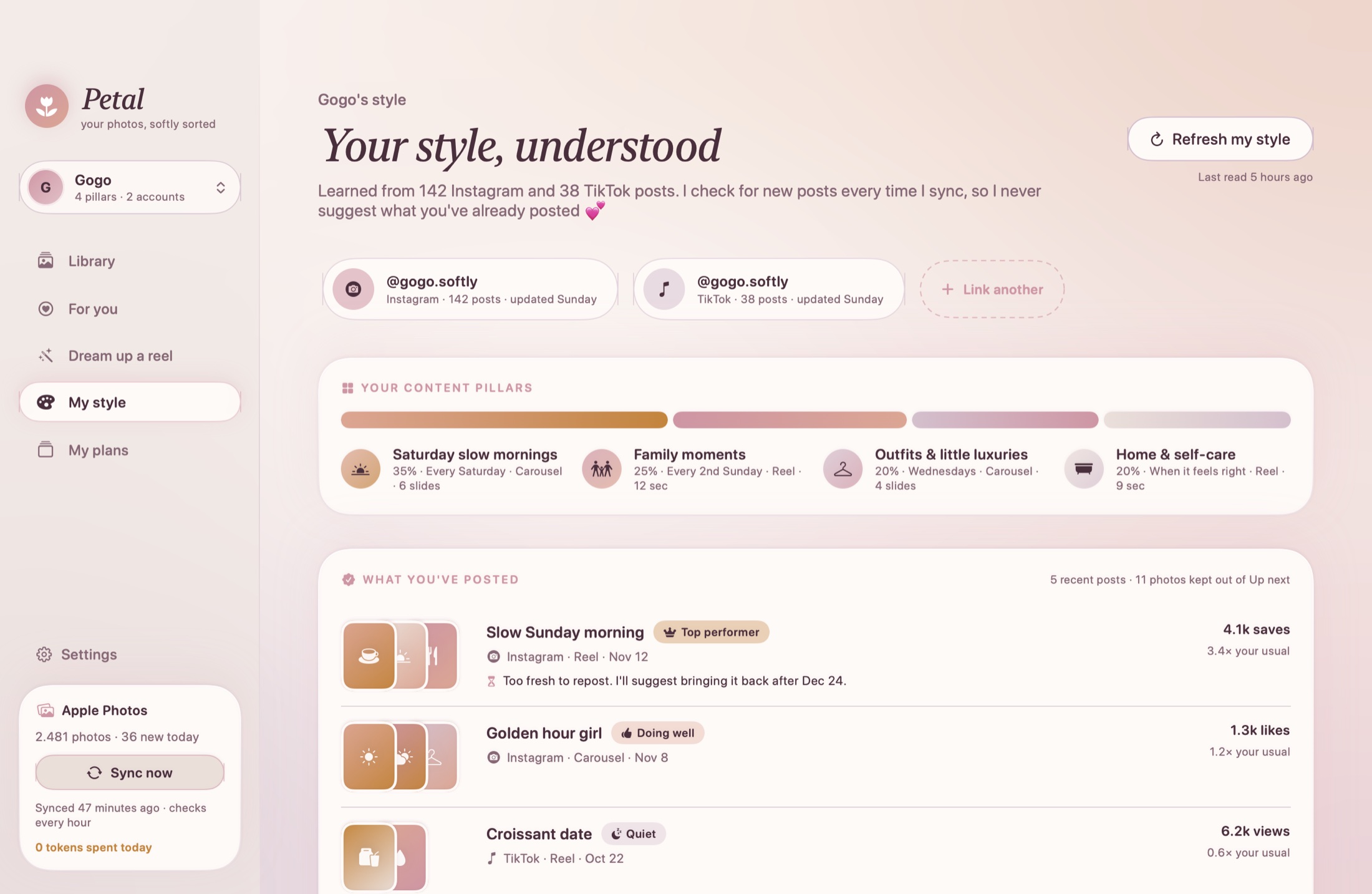
Petal reads your posts and their numbers, works out your pillars and your best times, and keeps everything you’ve already posted out of your suggestions.
Petal connects to
Petal reads and sorts your photos on the Mac itself. Finding a photo works without the internet.
When you want AI suggestions, Petal shows you exactly what it would send, and waits for your yes.
Use the Claude subscription you already have, or let Petal bring its own. You can switch any time.
One download. Petal lives next to Apple Photos and changes nothing in your library.
With iCloud Photos on, the pictures from your iPhone are already there. The first sort runs on your Mac.
Log in to Instagram, TikTok, YouTube or Pinterest, pick Claude or Petal AI, and press Sync.
You need a Mac with Apple Photos. The iPhone app is in testing.
Petal is a one-time purchase, with no subscription for the app itself. Sorting and search run on your Mac either way.
Already paying for Claude? Petal works through the Claude app on your Mac, on the plan you have. There is nothing more to pay.
One-time purchase
No Claude, or no wish to set it up? Add Petal AI and everything works inside Petal from the first minute.
One-time purchase, plus the Petal AI subscription
Prices are announced when Petal opens. People on the waitlist hear first.
Leave your email and we’ll write once, when Petal is ready to download.
We use your email for this one message. Privacy